JeanCarl's Adventures

Helping my heroes

May 17, 2013 | Hackathons

I’m sitting here with so many ideas spinning around in my head for the AT&T Public Safety hackathon starting tonight. And it’s hitting me harder than I expected. My heroes need my help.

My heroes, those men and women who respond to emergencies and run toward what everyone else runs away from, need my help. They are helpless to whatever they are exposed to. Explosions, toxic chemicals, injuries, unforeseen situations that can take their life away in a split second.

Sure, they are trained for common situations and don’t blindly go into unsafe situations. But there are people in this world who take pleasure in seeing these men and women, my heroes, for lack of a humane word, die. And these men and women, MY heroes, who protect ME, MY family, MY neighbors and MY city don’t deserve that. They have families, husbands, wives, boyfriends, girlfriends, sons, daughters, grandchildren, and pets waiting for their hugs and kisses when they go home.

If you’re not infuriated by now like I am, you should be.

I grew up playing with firetrucks, fighting imaginary fires with my Lincoln Log houses, punching holes in the roof like I watched my heroes do in real life. Looking back, I guess I assumed the families and pets were safely out of the house by the time my toy firetruck arrived on the scene. My toy houses would be left in disrepair, but the fire was out. Then I would proceed with my next childhood interest, construction, and repair the houses so the families could move back in. Yes, I was a creative child.

I could have been a firefighter if the Internet didn’t distract me in my teenage years. Since I was a young child, I have always looked out the window for or at a passing emergency vehicle. And my adult heart always sinks when I hear the sirens. Not just for the person(s) they are responding to, but for my heroes in that vehicle.

They have NO IDEA what they’re racing towards.

With 9/11, there are no words to describe what happened before, during, and after. Lack of communication channels that efficiently managed the real-time information, lack of situational awareness for everyone involved, and lack of advanced techniques to problem solve fluid and dynamic problems (but really, how much can you prepare for in this type of situation) were some of the reasons my heroes lost their life.

Recently, the San Bruno gas line explosion, Boston marathon explosions and the fertilizer plant explosion in Texas, are events that have had similar problems for my heroes . They are human and can only do so much. But technology can help. All those pictures and videos taken in Boston, with the help of technology, did a great job in the quick investigation. The people finder/I’m safe websites that pop up help locate people after the event. The I have a sofa websites that pop up to offer a displaced and traumatized person a place to sleep for the night make these tragic events a little more humane.

Coming back to the hackathon tonight and why this is affecting me. I have the power to help my heroes use technology to do an even better job. Let me clarify, they already do a damn good job. I have no complaints for how my heroes do their job. I’m actually speechless on why my heroes do a damn good job. They just do.

I have complaints for what “others” do to my heroes .

If I can help just one hero make it out of a disaster safely, they could be the one carrying ME, MY loved one, or MY neighbor (who I may not even talk with) out with them. This world works in mysterious ways, ways that boggle my mind. And I have the ability to help them. I work with technology that can make my hero’s life easier in these stressful situations.

So what am I planning to work on this weekend? I want to work on all three problems I mentioned above. But that’s a lot to tackle in 24 hours. We need to start somewhere and keep at this until…well, never stop. Yes, we can never prevent bad things and bad days from happening. But we can help my heroes when they do. We don’t need anymore really bad days.
Innospring Hackathon

May 14, 2013 | Hackathons

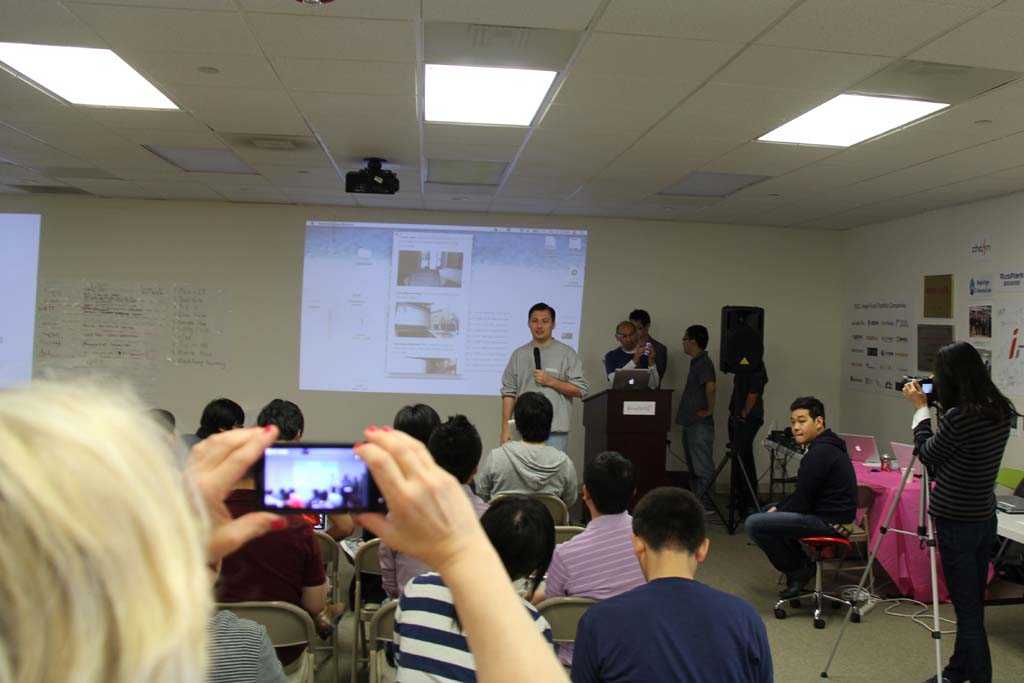
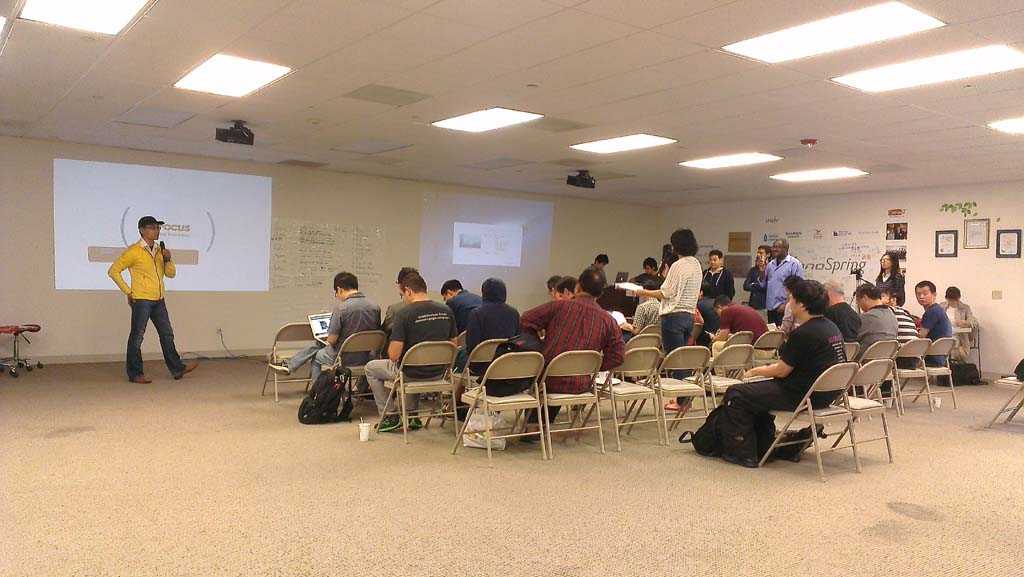
Innospring hosted a hackathon with Evernote at their office on Tasman Drive in Santa Clara and Shanghai this past weekend.

Ty from Evernote introduced their API and a suite of apps in their Trunk (aka their store). I had heard of them several years ago but was never into storing my data in the cloud at that time. Oh how times have changed.

Always on the lookout for new APIs to integrate into my existing projects, especially Read With Me App, I was interested in playing around with Evernote. Some questions I had about reading text from images in Evernote didn’t quite match with the expectations I was hoping for, so I had to scrap my first idea. From my understanding, the API gives an indication whether search queries are found in the images and the location of those words within the image, but it doesn’t return text as a whole like an OCR engine does. I want to research if there’s another way or if there’s might be a hack I can write.
My idea for this weekend started with using Evernotes and your location. My more ambitious vision was walking into a room and seeing Evernotes “posted” on walls using Augmented Reality and Google Glass. Not something that can be done in 40 hours (and with sleep!).

I simplified my vision to buckets in specific locations. A location could have multiple buckets of varying radius. If you enter the radius, you get an alert (a timeline card in Glass) that there are Evernotes available. You step out of that circle, and you don’t see them anymore.

This was relatively simple to code. I created a mobile screen to attach Evernotes to a bucket. I created a couple of buckets and attached Evernotes into them.

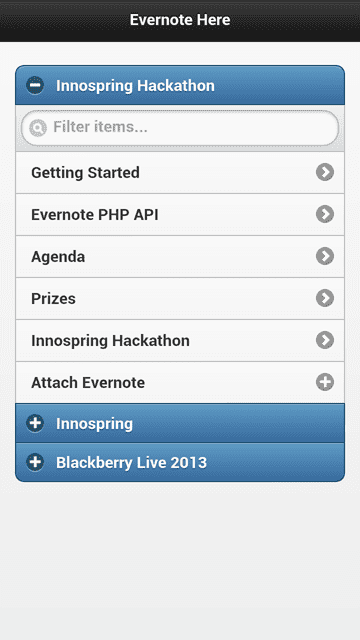
A list of Evernotes that have been attached to buckets located nearby

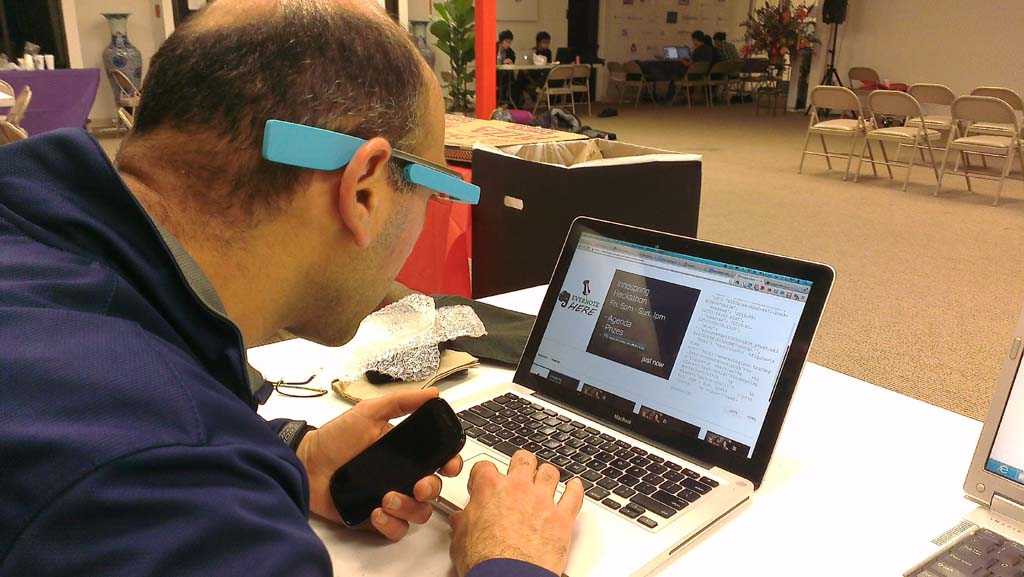
But the thing I really wanted to include was Google Glass. Having seen Glass a couple times this past week, it’s starting to grow on me. If I can go about my day and get alerts like my cellphone does with email, but instead have a visual interface like Glass offers, where I don’t have to dedicate one or both of my hands to the activity of holding a phone, this could really change the ease of getting immediate information based on my location.

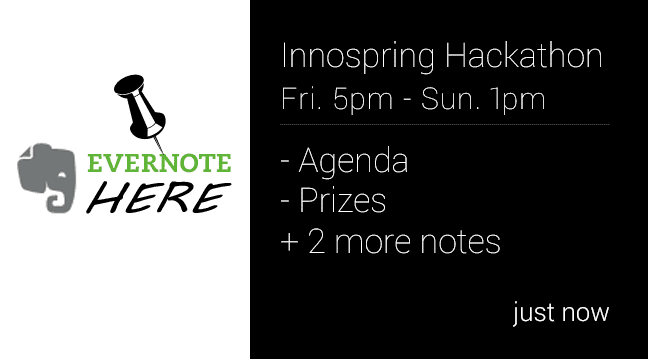
Google Glass timeline card letting me know I've enter a hotspot with Evernotes.

The UI was simple for Glass. The name of the bucket, the names of a couple of Evernotes, and maybe the event info. As I move around, Glass will use my location to look for buckets (or hotspots) of Evernotes near me and trigger timeline cards to be displayed.

Last part, getting the notification timeline card onto Google Glass

Ok Glass, find me the nearest Evernotes

Why this is useful

Have you ever attended to a meeting that has an agenda. If you’re lucky, there’s a printout. For me, it’s usually in an attachment inside an email buried inside my inbox inside my phone inside my pocket. It’s four, five, ten taps to get to the agenda. Wait, let me find it! I almost have it! Same with hackathon demo order lists, event details, and related documents.

Why not give me a simple list of Evernotes (or other documents) related to where I am right now? I’m in Innospring’s office. What do they do? Tap on About {companynamehere}. You can read a brief description and look like you have done your research (not that I’m a procrastinator!). Just don’t try this before a job interview.

Information should be ready for me to consume the second I want or need it. Google has done an incredibly good job at burning search into my daily routine. Don’t know something, I Google it. Need to find an email message, I search for it. I don’t need much context to get the information, so why can’t we use location as well.

Showing your realtime location

Nearby Evernote buckets included one for the hackathon, one for Innospring, and an example for a conference.

Was it Glass or the photos in my demo that you like?

What I used

The demo was a PHP script using the Evernote PHP SDK. I expanded upon sample code and read in the Evernotes I created in my notebook. Using a shared link URL from the API, I added URL and the title into the backend database.

For the frontend, jQuery Mobile made it look good. During testing, I was trying to find a quick way to delete/disassociate Evernotes from the buckets on my phone. I used the swipe right gesture on the item in the list to remove it. The swipe functionality is going in my toolbox of tricks.

As for Glass, their Mirror API Playground was really straightforward. Being a web developer, creating a timeline card was super easy. It took longer for me to design a logo for Evernote Here than to lay out the data.

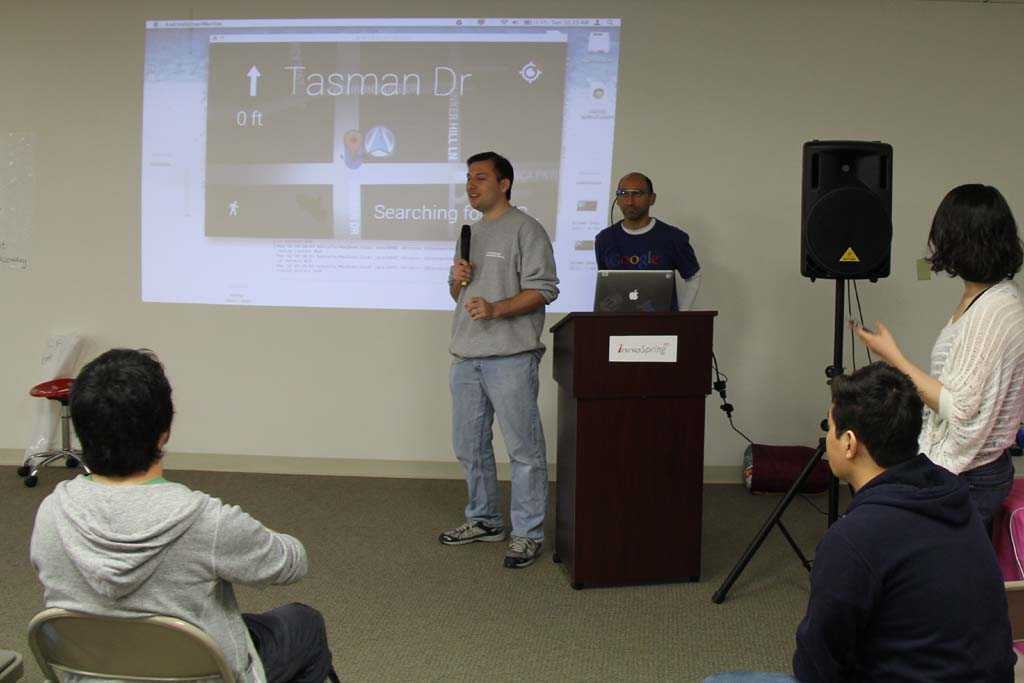
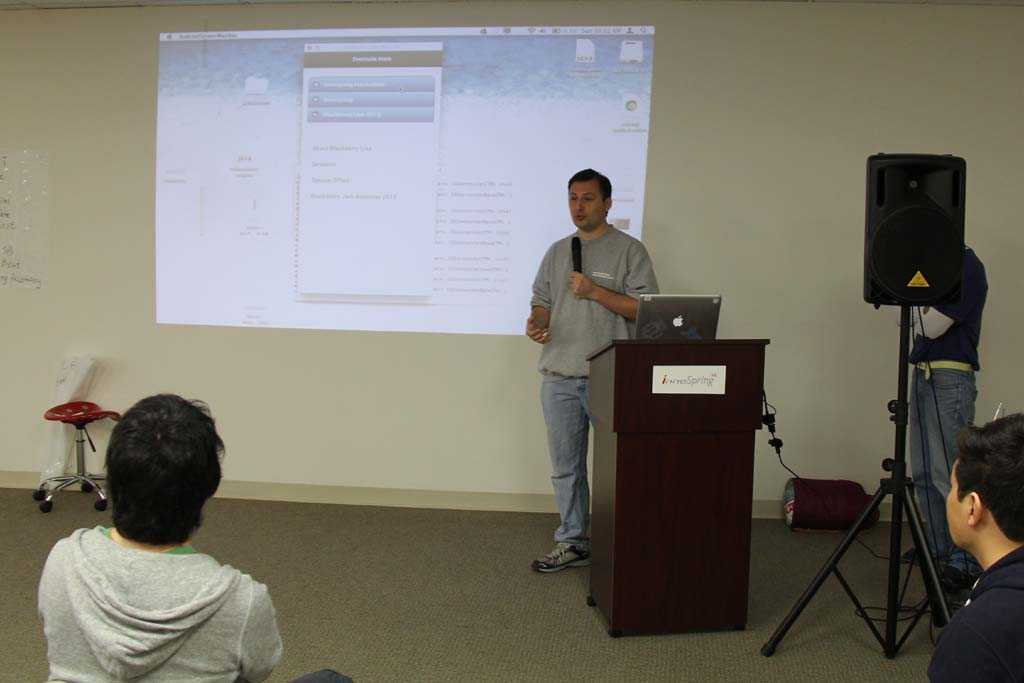
The Demos start.

What I learned

Another hacker and I had an extensive conversation on how I approach a new project. It’s a long story, and it has become so intuitive to me that it is hard to explain. I knew exactly what he was going through, overwhelmed at everything he wanted for his project but not knowing where to start. It’s like wanting and seeing a massive castle and focusing on the chair in the corner of one of the rooms. He needed to step back and see more than just one little feature.

As I listened to myself describe my process, I realized how I visualize the product and user flow before I even write a piece of code. I focus on the outside of the castle, and how to find the front door and my way through the rooms to the reason I am in the castle. It was a great exercise in understanding how you do stuff that seems so normal that you take it for granted.

When I was a newbie, I used to code first and ask questions later. It can be a huge waste of time and lead you down a path that locks you into certain designs and failed products. Finding the right balance makes building prototypes at hackathons fun and entertaining now that I understand the process.

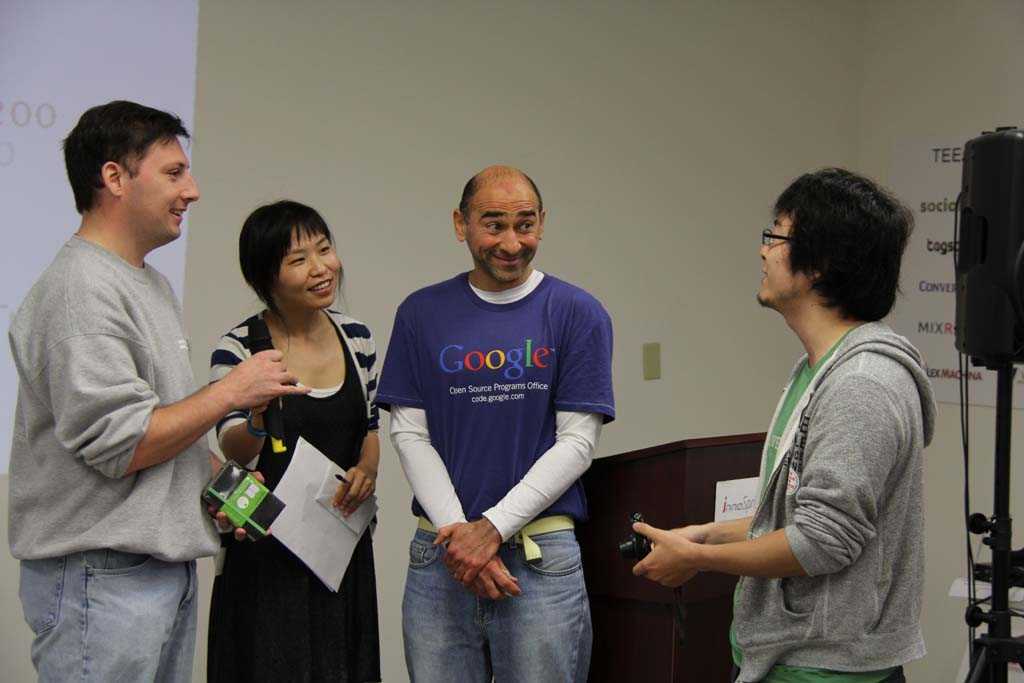
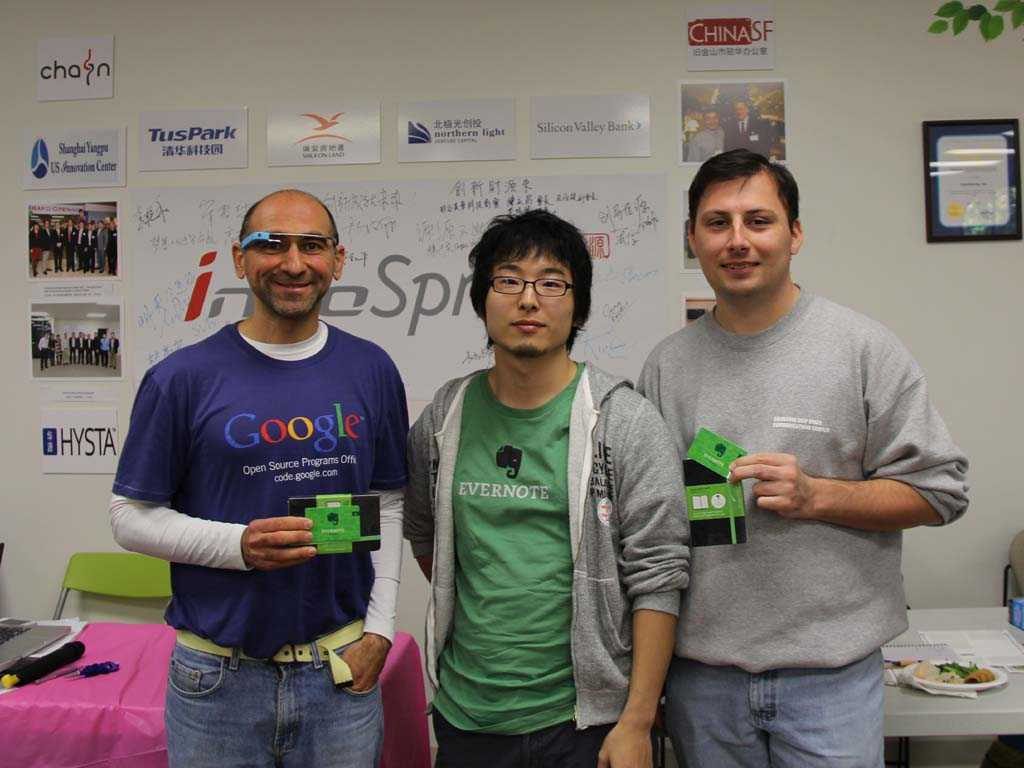
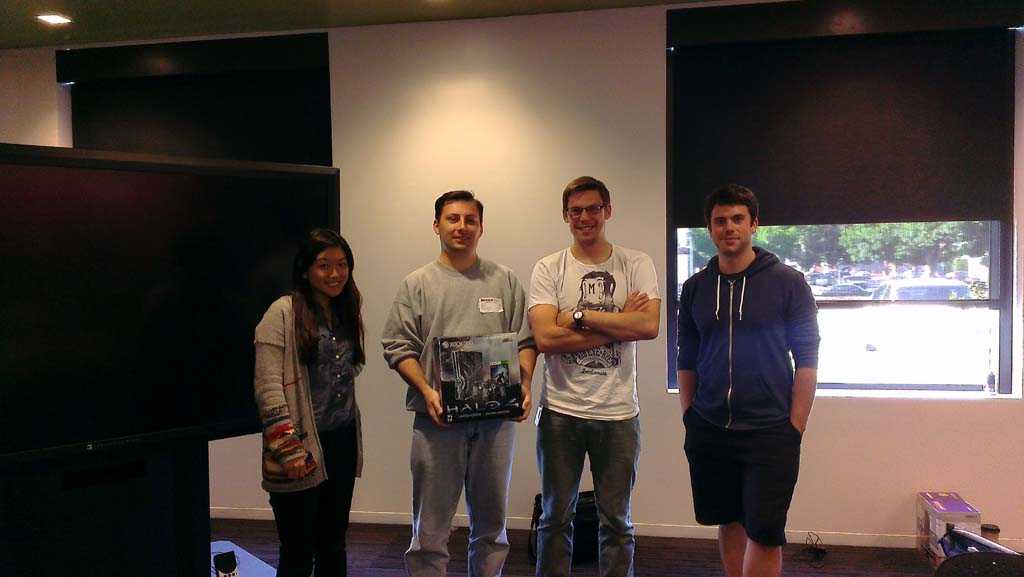
We won conference tickets to Evernote Global Trunk in August.

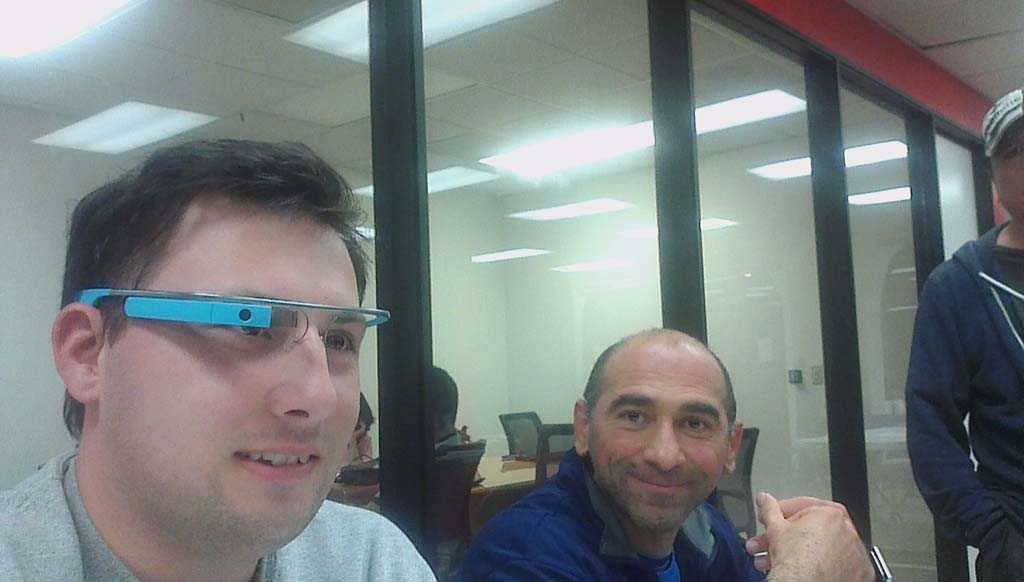
Ash, Norio Akagi (from Evernote) and myself

The venue

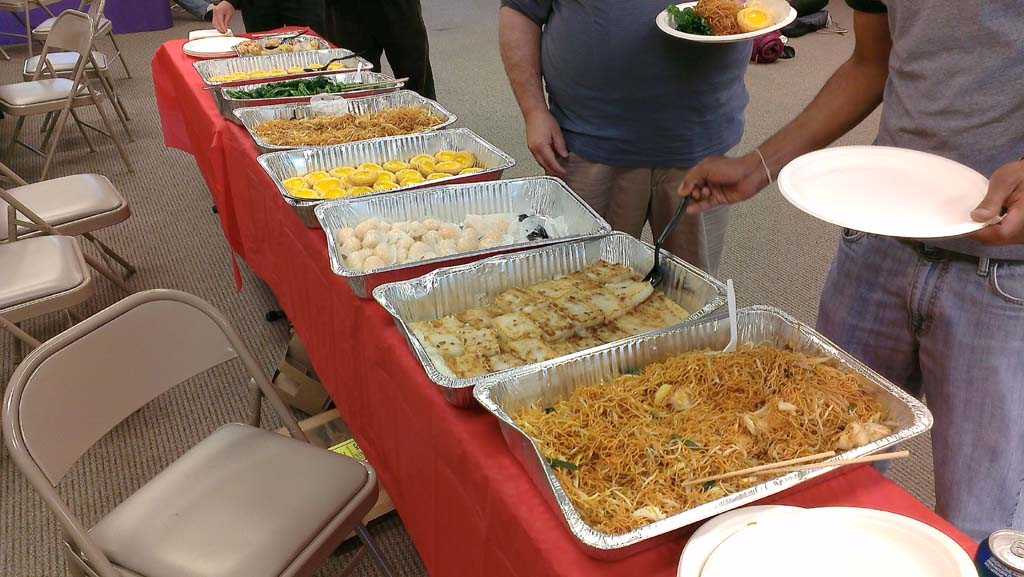
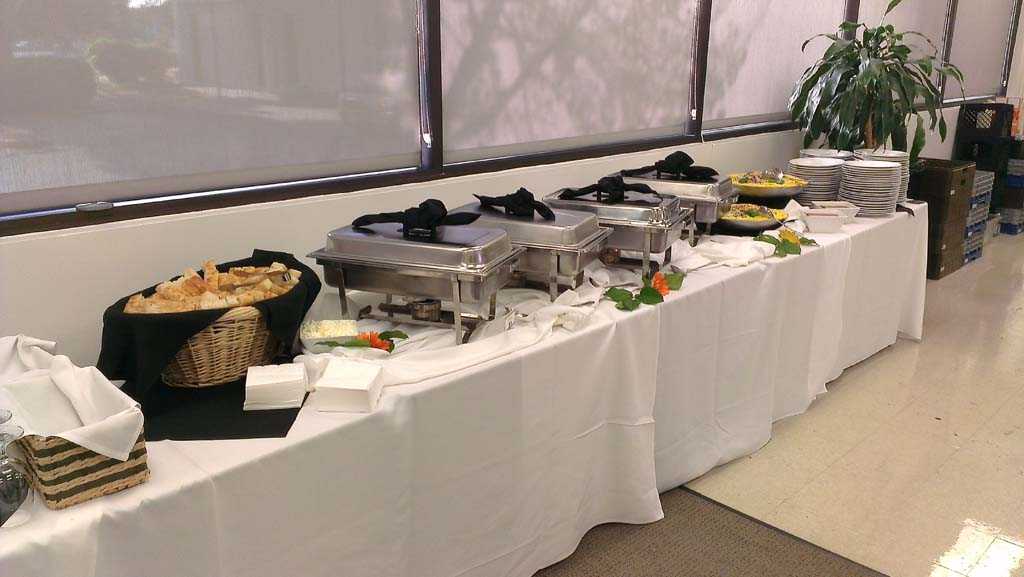
Innospring was a great host, with bean bags, sleeping bags and plenty of food. The Chinese food for lunch was a nice change from pizza, a staple of a hacker’s diet.

Chinese food with an assortment of items I've never have had before

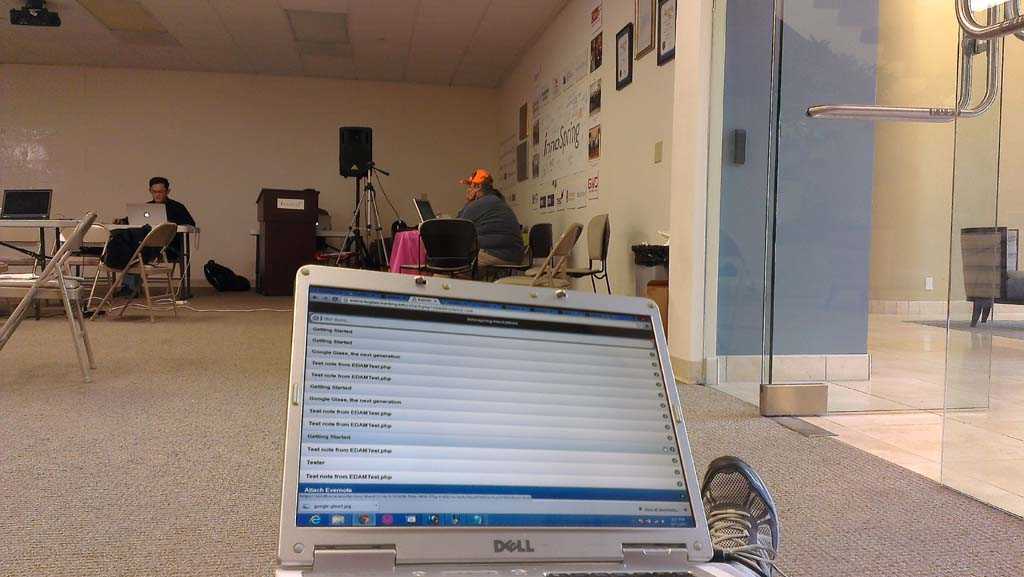
Here are pictures of places I hacked during the weekend.

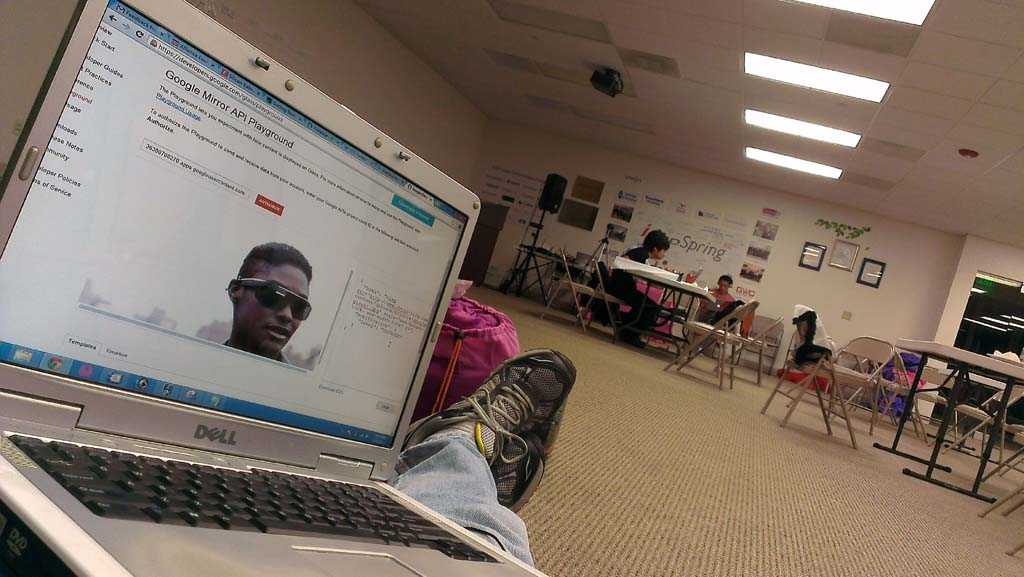
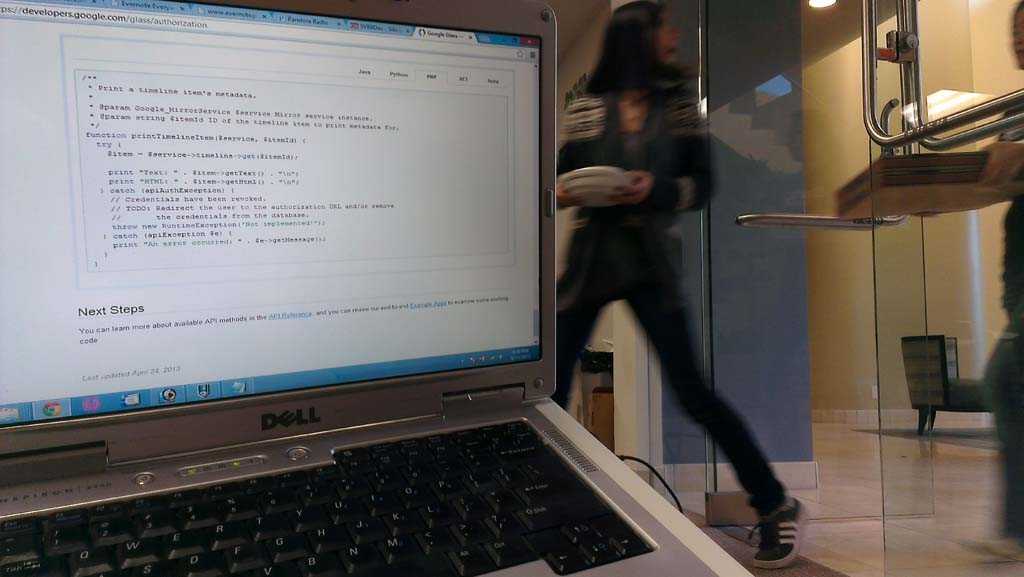
Looking into how timeline cards work

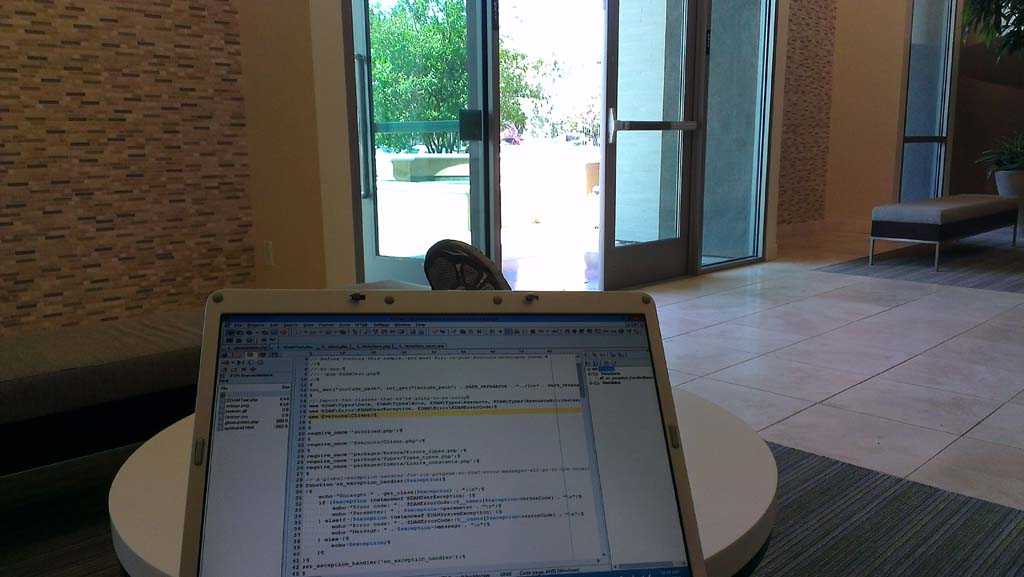
Sitting in lobby figuring out how to share Evernotes

Bean bag next to the front door

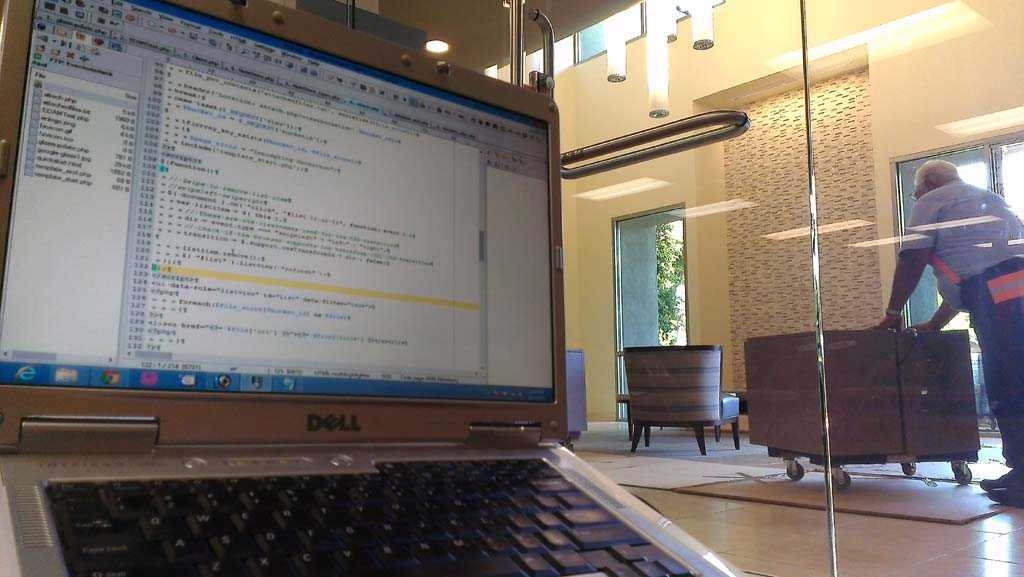
Prime location to watch movers moving office furniture upstairs

Can't miss the smell of pizza passing by

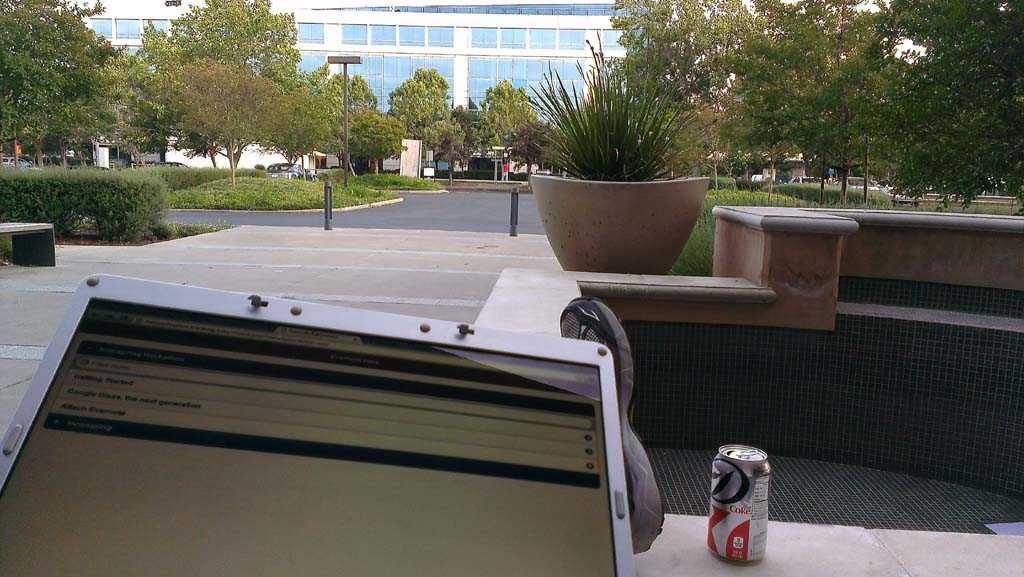
Nice evening to sit outside and hack

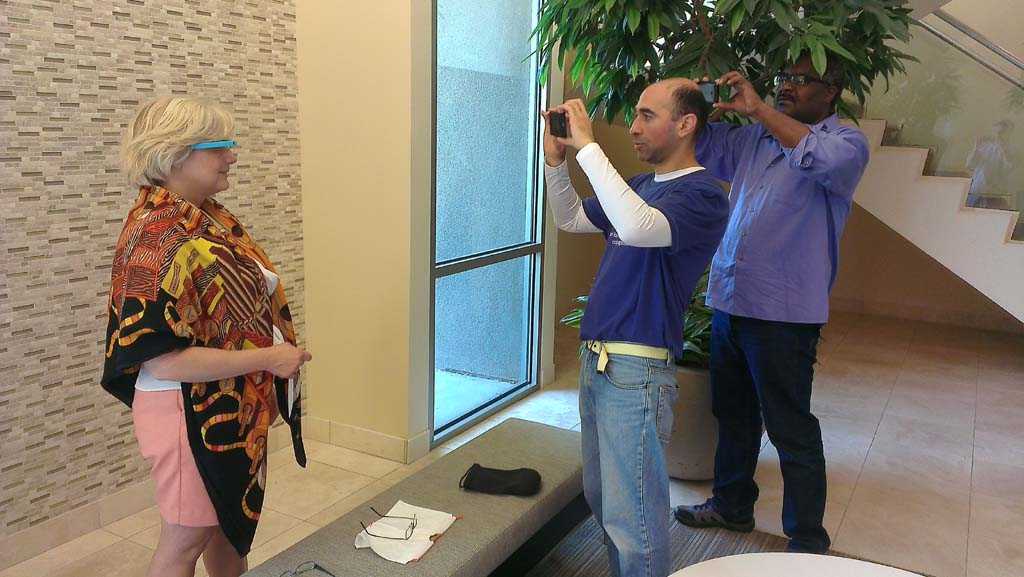
If you had Glass, you could have already taken a picture. Just sayin!

Node.js Bootcamp at Microsoft

May 10, 2013 | Hackathons

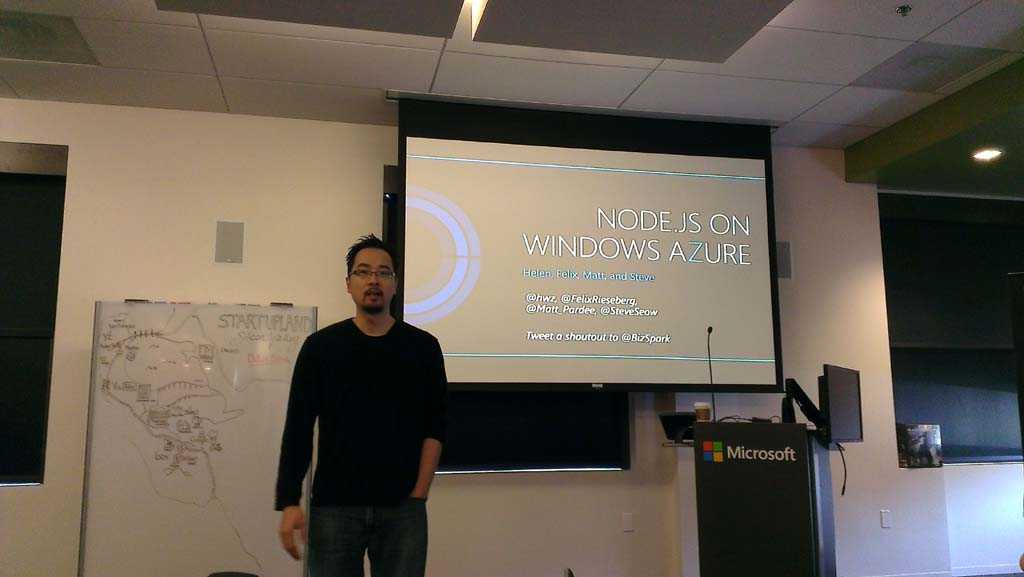
On Saturday, I went over to the Microsoft campus to learn about Node.js, a lightweight solution to serving requests on a webserver.

Photo

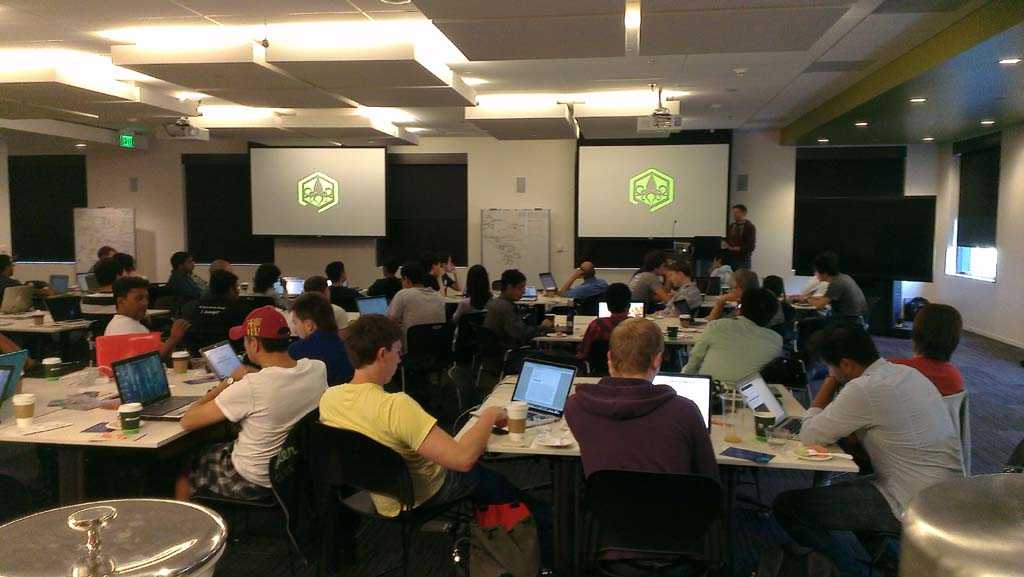
One of the features of Node.js is the ease of using sockets. Because sockets leave the connection open between the client (browser) and the server, sending little bits of data back and forth is quick and requires less resources than opening a connection for each request.

Photo

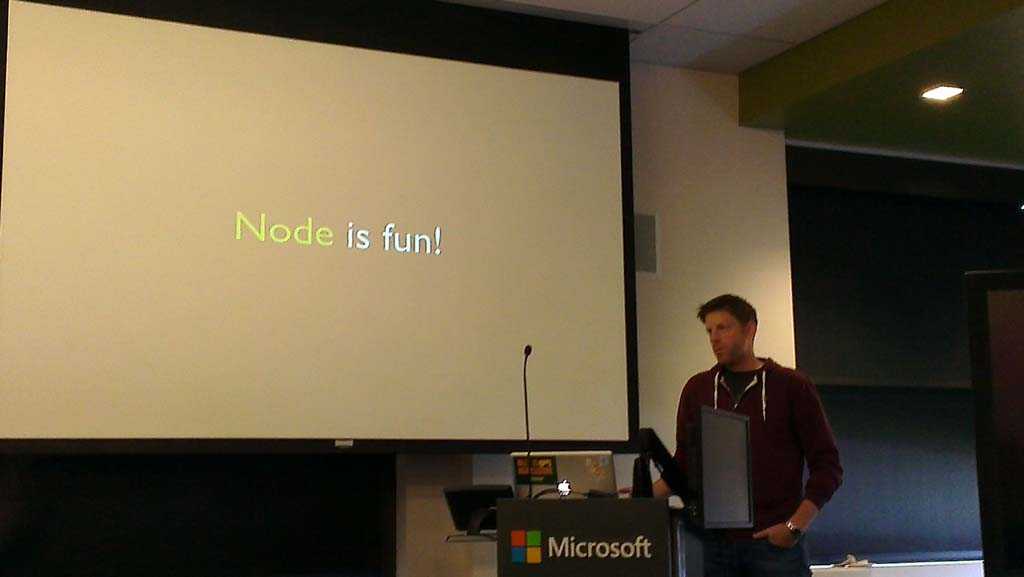
After a morning of a quick introduction to Node.js, we had an opportunity to get our fingers coding.

Photo

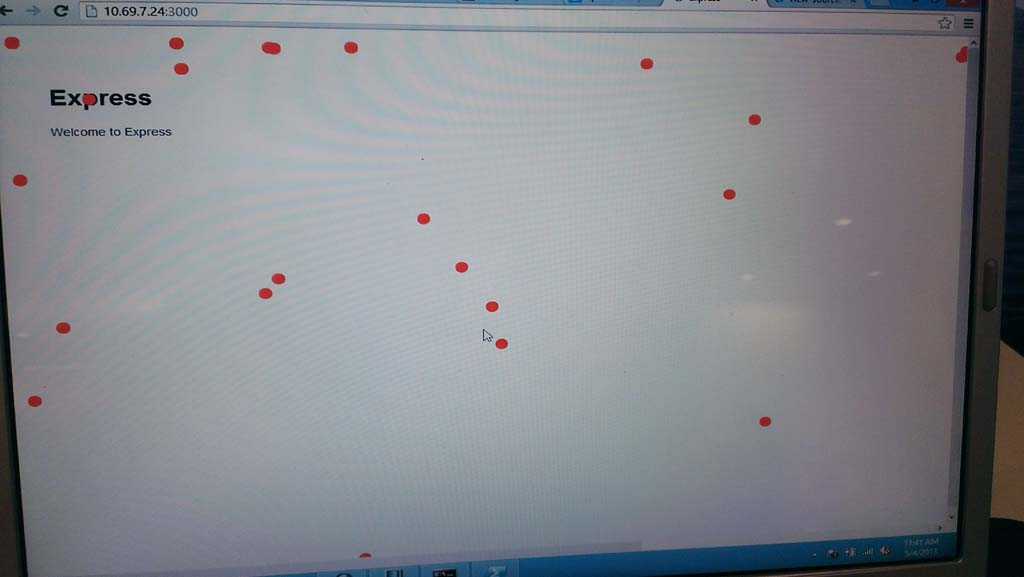
I was pleasantly surprised at how easy it was to get the example Matt Pardee showed us up and running. After installing Node.js on my local machine, it was a simple command line node command pointing to the JavaScript file to get it running.

Photo

If you’ve ever coded in JavaScript and used the event object, dispatching and receiving events is pretty straightforward. I really liked how I could make any custom event and attach a custom object of data that was easy to send to the server and then to all connected clients.

It actually took me many times over more time to figure out what my UI would consist of and the types of events that I would send between clients and the server. This is how it should be. The technology should never consume your time, the idea and functionality should.

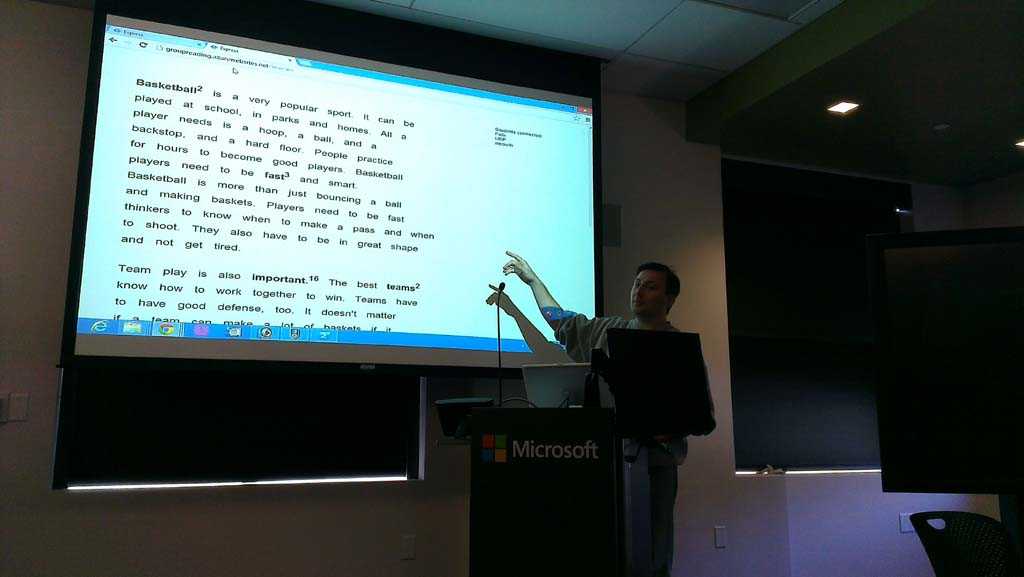
Having already had an itch to scratch, the problem of multiple students in the classroom being able to communicate with a teacher in realtime, I made a quick example where students click on words in a passage (each time dispatching an event). The teacher’s screen shows realtime counts of clicks for each word, and a list of students who have clicked on that word.

One last feature I rushed before time was up was a way for the teacher to push content back to all the students, a way to begin an activity based on the feedback the students sent to the teacher.

Because there was literally about three hours of coding time, I ran out of time to bullet-proof the system.

During my demo, I invited the audience to join and pretend to be the students. Before I had even started explaining what I was showing, several members of the audience had already started clicking on words. Clicking so many times that the use case was being compromised. I believe one word was clicked on more than 70 times.

Photo

But the concept worked well. To add the cherry on top for the demo, I clicked on a word on the teacher’s screen and sent those connected a definition of that word. It was a rough prototype, but it got the point across.

I already knew the potential “abuse” allowing audience members to participate, but it was fun dealing with it and learning how to make a joke of it. I am just as guilty when given the opportunity to sabotage a speaker’s demo. In fact, Matt’s demo was “compromised” as well. It was all fun and games and actually engages the audience.

Node.js is definitely a tool I now have in my arsenal that I plan to put to use. I had always thought real-time communications between users required large servers and lots of networking knowledge. Instead, a JavaScript coder can build a game in no time and handle lots of concurrent users.

Photo

BMW Sustainability Hackathon

April 29, 2013 | Hackathons

Feeding my addiction for hackathons and the creativity it incubates, I attended the BMW Sustainability Hackathon in Mountain View this past weekend.

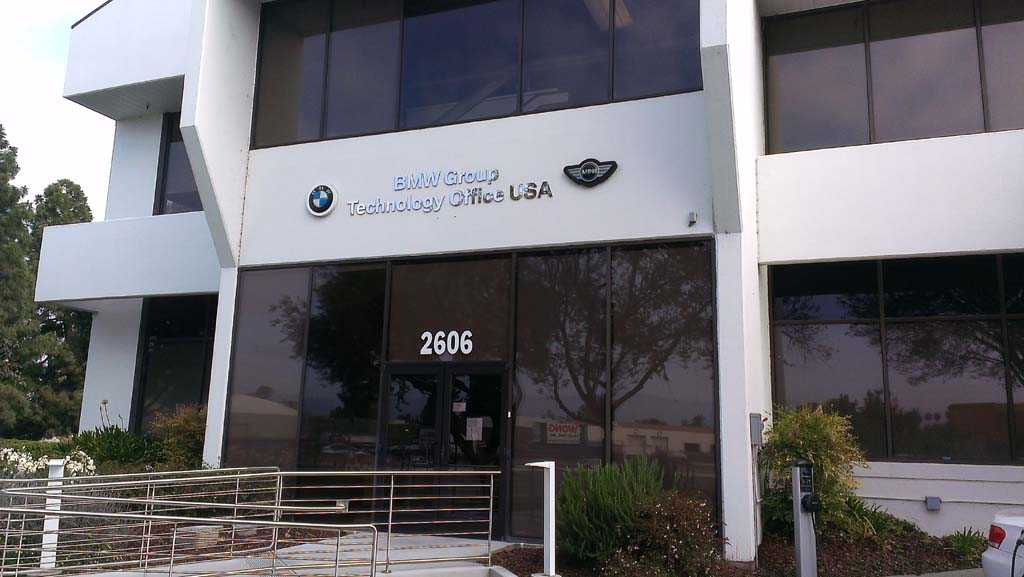
Subtle building entrance. They got cool toys inside!

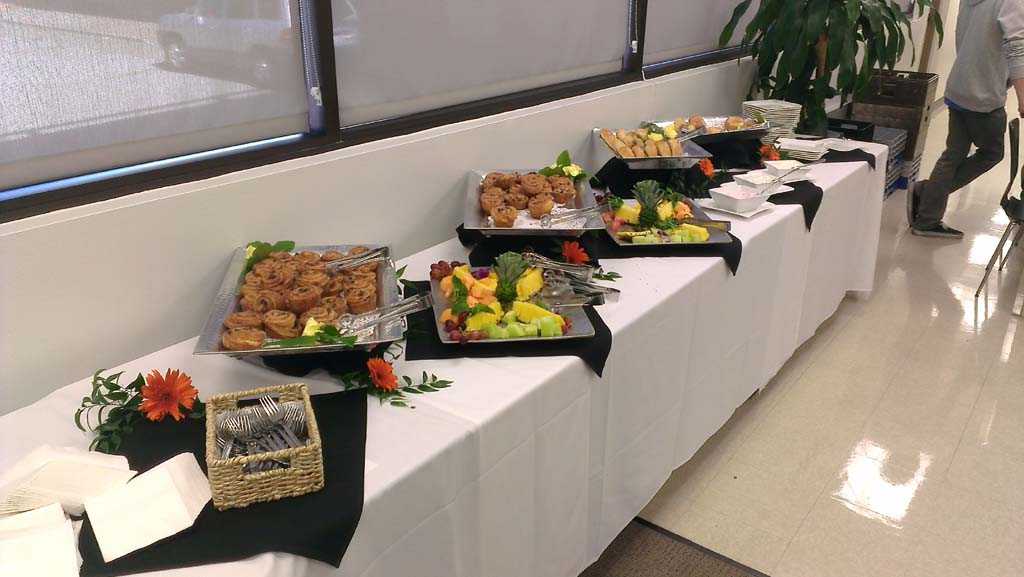
Breakfast. The healthy kind.

I started out playing with Twilio’s API to see how it worked. By the time the official program started, which was no more than a half hour later, I was sending SMS messages to my phone. Because it was so simple to integrate, it took control of the project. Whatever I built, it had to involve text messaging.

Receiving these text messages was like getting postal mail when you were young, an exciting new method of interaction (at least for me). I totally wanted to just play with Twilio all weekend and send/receive messages! I still do. And for someone that isn’t into text messaging (email is free, why pay for text messages!), this changed my opinion on text messages.

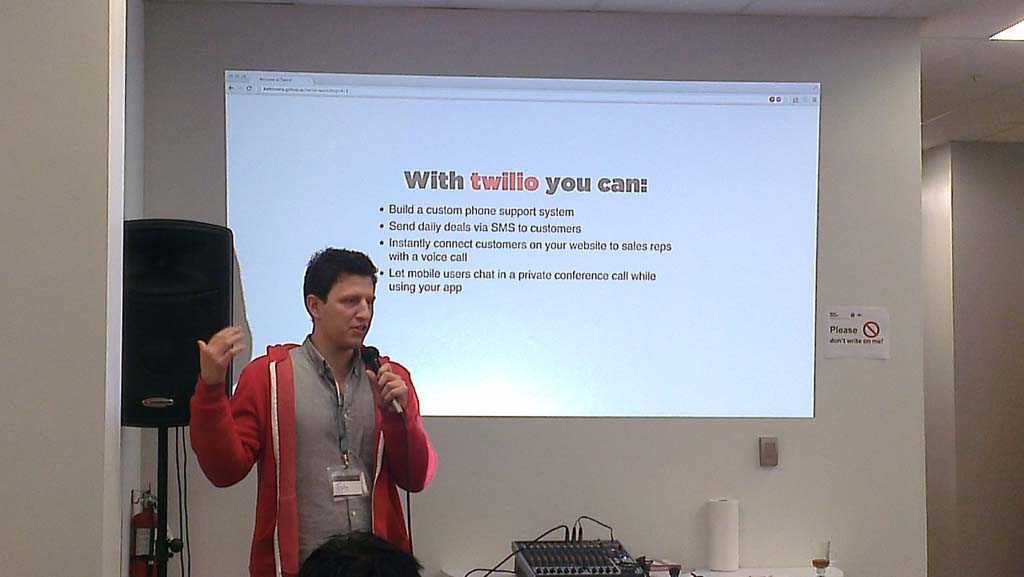
Tony Mataya from Twilio introducing their API

This isn’t usually the way I go about a project, and it was strangely opposite to my web development experience with the beautiful graphical interfaces with buttons that perform actions. When I start a new project, I usually have a picture of a layout in my mind screaming to be converted into HTML. Some formatted data screaming to be read from/written to a MySQL database. A user flow that goes through several pages. The UI for this, text!

Anyways, having the UI already finished (wait, the UI? with text messaging? go ahead and laugh, it’s a joke), I needed another API to actually do something with. The only other one that had staff ready to talk with was ChargePoint, the company behind those electric car chargers in nearly every Silicon Valley tech giant’s parking lot. Some things that their API offered was to find a charge point near a lat/lng or street address, check the availability, and to reserve from a subset of those stations.

The ChargePoint team had a PHP example to pull charging station locations nearby. That was great. It got me started quickly and kept me focusing on the idea, not the service.

Thinking back to why this hackathon was so fun, it was because these two companies had code samples ready to copy and paste, that worked on the first attempt. I cannot stress this enough, it is incredibly challenging to learn a new API, code a library for it, and then use the data creatively in your own application in a matter of a few hours. Because Twilio had the code ready, I only had to change the phone numbers and the message content. Done!

A side effect to getting the basics of an API working quickly is that you can continue experimenting and building on top. You want reservable stations instead of all the stations? Just change the method being called (opening and closing XML tag!), keep the parameters the same and you’re done!

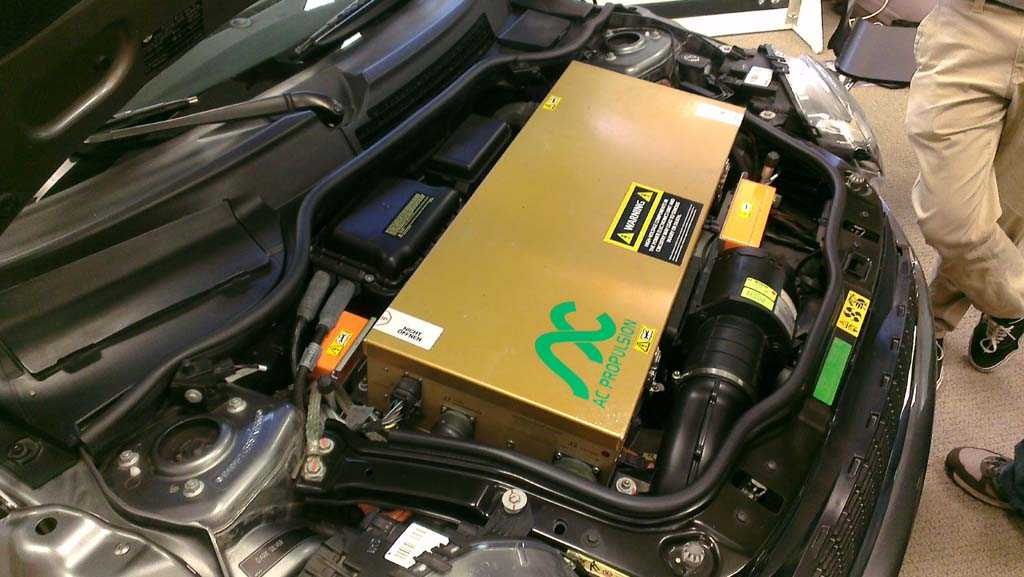
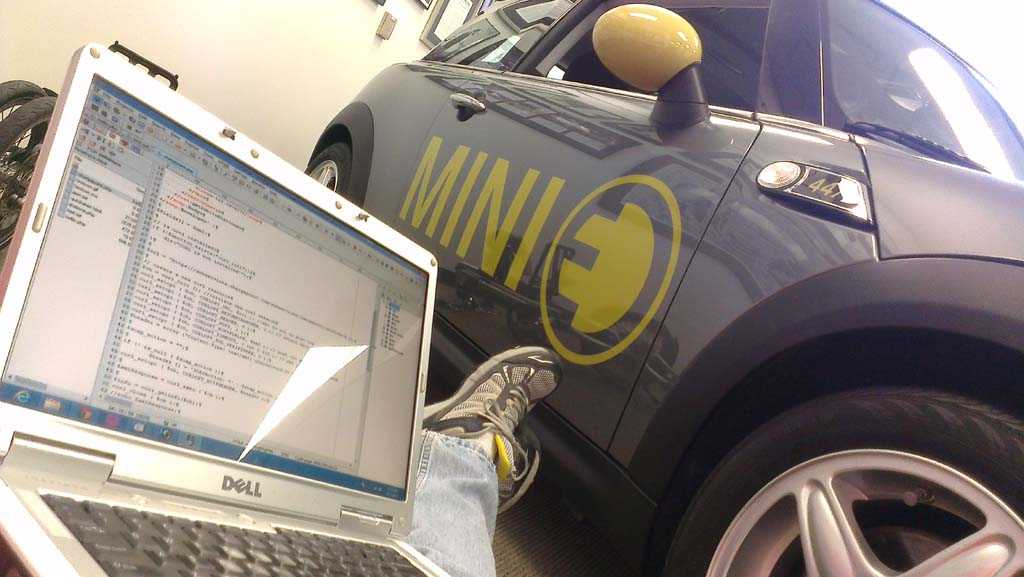
Break time to see the guts of the Mini.

ChargePointSMS

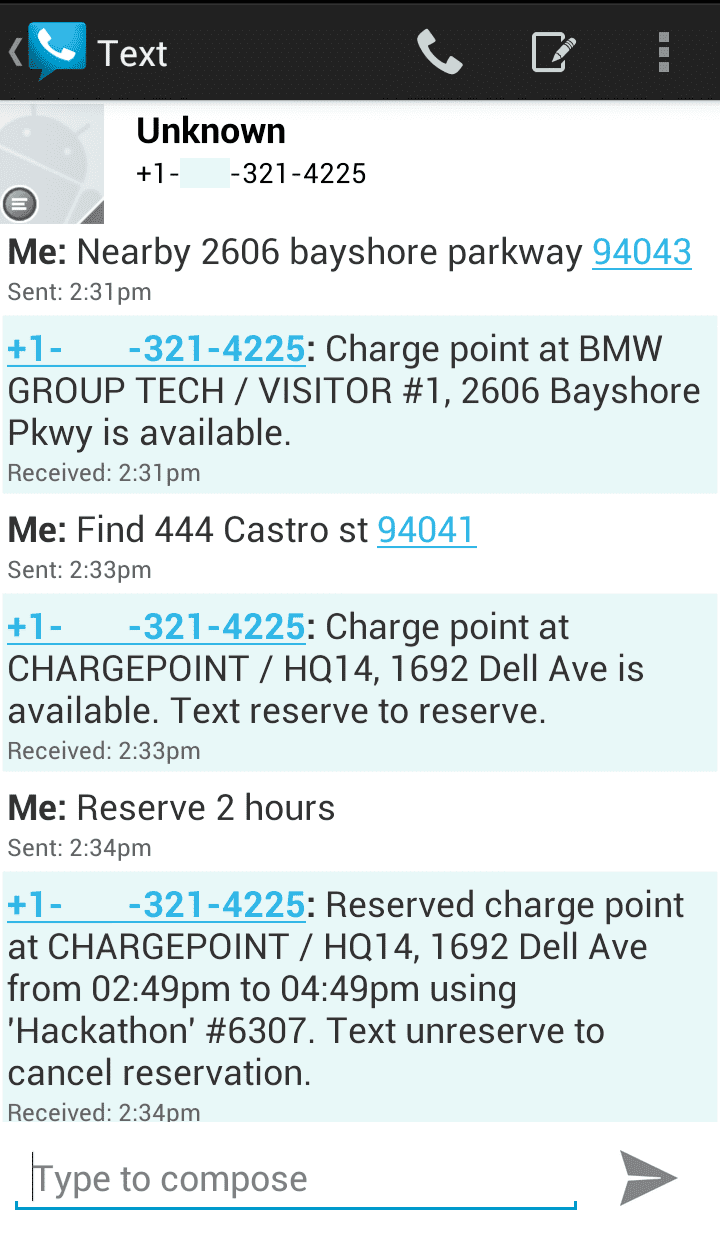
The ChargePointSMS prototype is pretty basic. You can find nearby charging stations, and reserve and cancel reservations. You can text nearby {address} to find any charging station near by that address. Some stations can be reserved, some can’t.

If you’re looking for a reservable station, text find {address}.

Once you have chosen a reservable station, you can text reserve {length of time}. Your spot will be reserved for that length of time fifteen minutes from now. This is so you can travel to that spot and won’t have to pay for the travel time.

If you can reserve the station, you should also be able to cancel it. Well, the keyword cancel ended up stopping the Twilio service from texting my phone number. Plan B, unreserve. Text unreserve and ChargePointSMS will find the last reservation and cancel (err, unreserve) it.

Other options include reserve {nickname} {length of time}. Having previously saved a station location under the nickname, you can quickly reserve frequently used locations, like the one near your favorite coffee shop.

Find, reserve and drive to a ChargePoint station

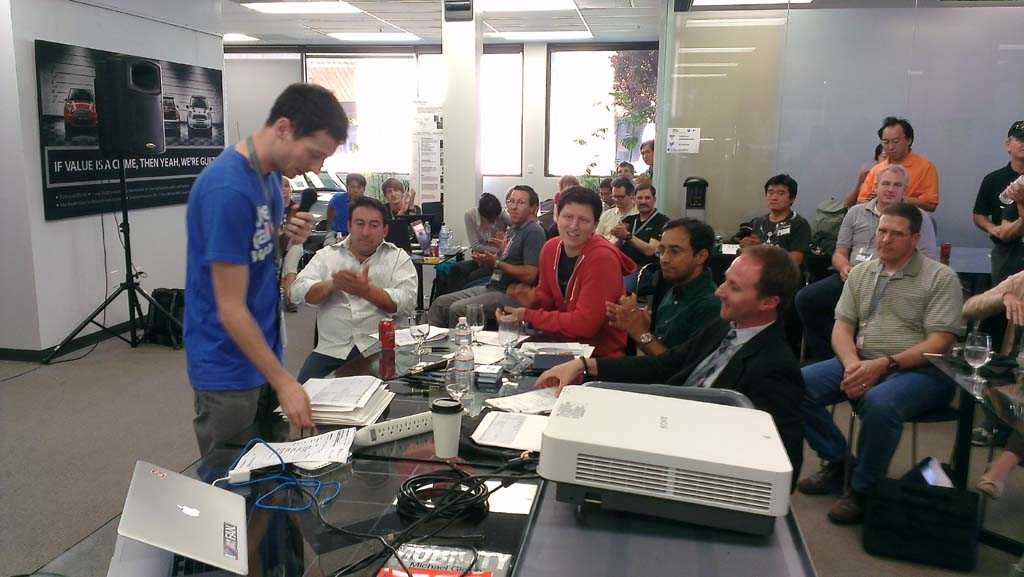
Judges

Behind closed doors, that's where judges go after demos.

Enhancements

Given this was a single user demo, the part of connecting the phone number where the SMS messages are coming from and the ChargePoint account was hardcoded. A verification/linking process needs to be added, and maybe a way to switch between ChargePoint accounts.

A reoccurring reservation would be nice. Let me reserve that spot closest to my cubicle everyday. Or reserve a spot near the gym every Tuesday night for my yoga class.

The prototype pulls the first result and displays it. Being able to send a next previous keyword to cycle through locations would be useful. And ignore to remove this location from ever being displayed to me.

A list option to summarize upcoming reservations I have made.

A bean bag chair, a sweet ride, and code. I so have to get myself a bean bag!

Debug time

Here’s the gotchas I recall from interacting with the APIs. They are brief, may not be completely accurate, or even be a general problem.

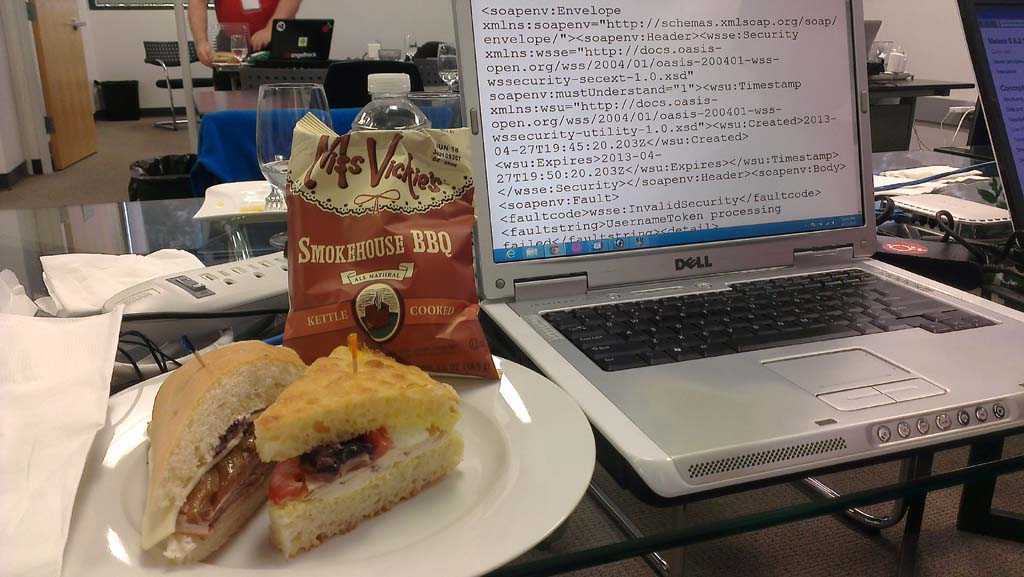
It looks ugly because it's broken! But the sandwich was a delicious distraction.

The first resevation I made was “now for the next hour”. Opps, you can’t cancel within 24 hours of a reservation. I added 24 hours to the times so unreserve could work.

Cancel and stop are reserved keywords in the Twilio API. They unsubscribe you from messages. Use start to reactivate Twilio.

There were only three reservable stations (in CA, WA, MS). Searching San Francisco returned the same result as Mountain View. It’s a mighty long walk from where you park!

HTML comments don’t work when returning SMS XML to Twilio.

Summary

It was a great hackathon, one that I actually learned an API I’m going to use in the future. BMW had a great venue to hangout with great food. And what better way to hack than to sit in a bean bag chair next to a sweet vehicle. And the test drive was really amazing. Maybe next time that can be a grand prize?

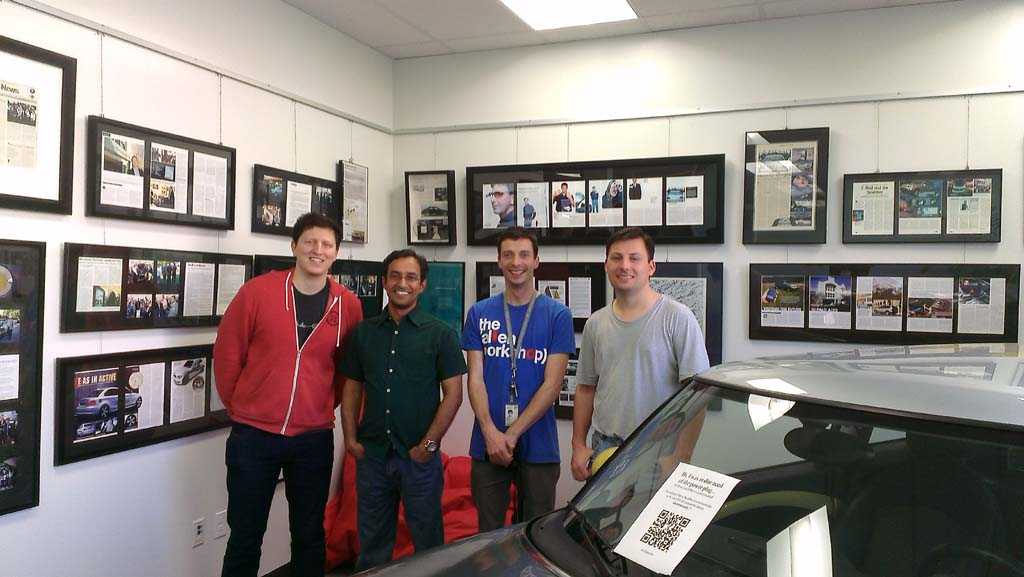
Representatives from (left to right) Twilio, ChargePoint, and BMW.

Test drive? Me? First EV I've driven. I'm impressed.

Dinner!

Hertz Peace of Mind

April 21, 2013 | Hackathons

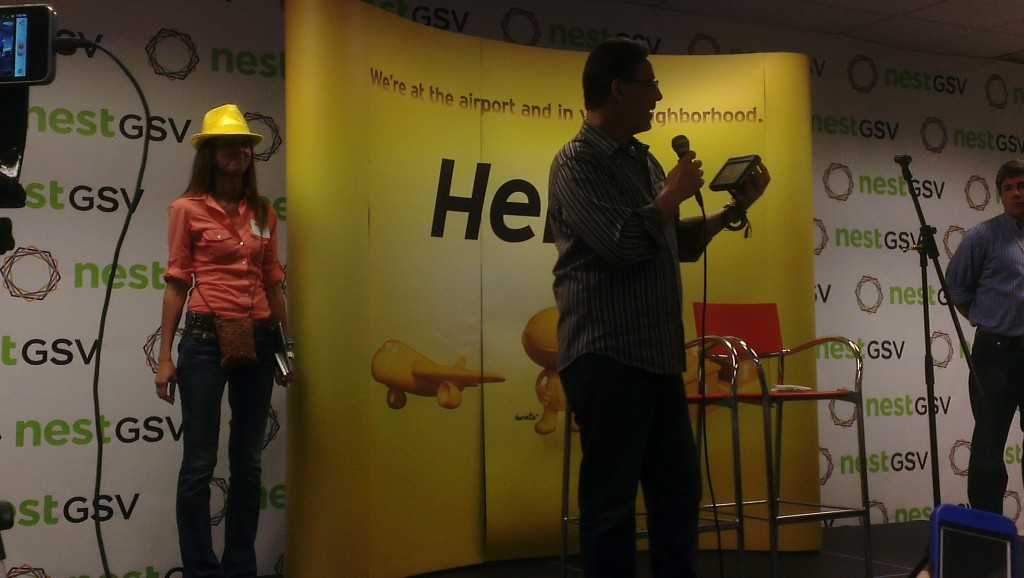
This past weekend I attended the Hertz Hackathon at NextGSV in Redwood City. On Friday night, there was a large number of people brainstorming ideas of what they wanted to build. As always, meeting new people with a variety of backgrounds was a great networking event.

Wasting no time after the official program finished, our team of five got to work fleshing out our idea. What happens when two vehicles bump? Simple problem, but lots of headaches. We realized the problem of being stranded when your vehicle no longer works could waste valuable vacation time, prevent you from getting to a critical business meeting to close a sales deal, or leave you feeling helpless and alone. There’s nothing good about it. Then the aftermath of repairs, insurance, and stress just compounds the situation.

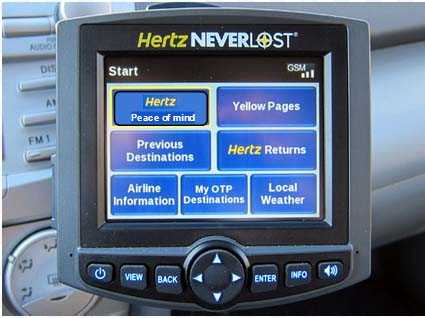
The new NeverLost unit will have a larger screen with a camera

We took concepts from the new Hertz NeverLost unit, a large screen and camera hardware, and started hacking it to solve this problem. The unit can communicate with Hertz via the AT&T cell network. They already use this connection to download trip data that customers have previously planned using the NeverLost website.

Current NeverLost unit with additional button to manually activate Peace of Mind

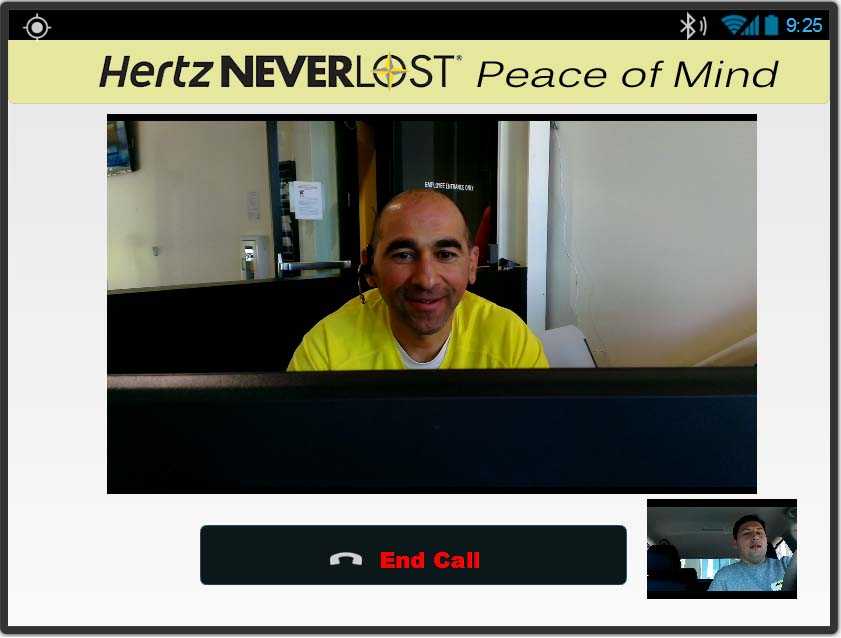
So why couldn’t we take this connection and establish a video call between the customer and a Hertz assistant. I learned an interesting fact of customer service this weekend. A customer is less likely to start yelling at an agent over the phone if they have a visual of who they are talking to. Seeing the person you’re talking to creates an emotional connection that changes several dynamics of the experience and ultimate (successful) outcome.

Customer view: Large video of dispatcher and small video of customer/passenger compartment in bottom right corner

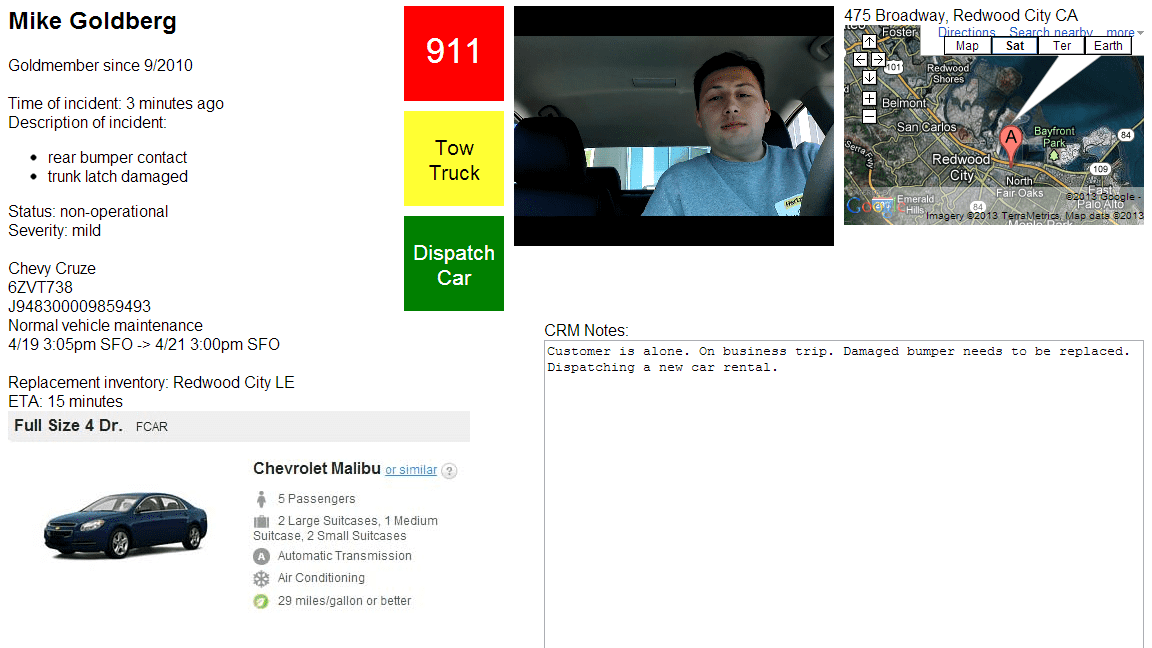
Once we had a visual connection, we wanted to remove the hassles in the process of getting a replacement car. First, we use vehicle sensors to alert the Hertz assistant of the problem. One of the most frustrating things I repeatedly experience with customer service is the fact I have to tell them who I am, what happened, and what I want. It almost gets to the point of telling them how to do their job. But trained Hertz assistants will have the customer information, know how long the customer has been with Hertz (for customer loyalty), vehicle information, and options to resolve the issue on a screen in front of them. The assistant will begin with the customers name and add “We appreciate you being a gold member since 2010.”

Hertz assistant sees customer health, vehicle health, and options to get the customer on the move again

Mentioning the length of time a loyal customer has been with your company is awesome! On multiple calls to customer service, I’ve heard that line and it reminds me that I’ve been using their services for some time and that they know it! It starts the call off positively when I’m probably about to release a load of emotions onto whoever takes my call. In our situation, the customer will already begin to feel better knowing someone is on their side.

Next, the Hertz assistant can evaluate whether the customer is healthy. Because the system is automatically activated in an accident, the Hertz assistant can determine if the occupants are responsive. If they are unresponsive, they can dispatch emergency services and monitor the video feed until help arrives.

Here’s where Peace of Mind really comes in handy. If it’s a mechanical issue that makes the car non-operational, a new vehicle will be dispatched immediately to the location of the customer. No need for the customer to limp their way to the closest location or call for a tow truck. A Hertz driver will arrive with the replacement vehicle, hand the customer the keys, help transfer belongings into the replacement vehicle, and send the customer on their way. If we know there’s a family in the vehicle, the driver will offer a complimentary toy, stuffed animal, juice and snacks to comfort a potentially traumatic event for young children.

Now that the customer is on their way, the Hertz driver will take over, fill out any paperwork, deal with the insurance of the other party, and return the disabled vehicle to be repaired. There’s no followup with the customer and the customer doesn’t have to do anything more. This is important because when you return home from your vacation, we want you to remember the good parts of your trip, not that you have to call your insurance company, make calls to Hertz, and spend hours of frustration making sure documents are sent and received. When it wasn’t your fault, we have your back!

This service doesn’t have to be activated only in the event of a vehicle sensor detecting a problem. Any customer service issue can be resolved with a video call. No need to find the phone number, find your reservation number, find your cellphone, pay for roaming minutes, etc. Since we can validate the vehicle information automatically, the customer doesn’t need that information available.

We also believe this can be expanded to personal vehicles. When your vehicle has a problem, Hertz will send a replacement vehicle and a tow truck to your location. The tow truck will take your vehicle to a location you specify, while you use the Hertz rental to get around. We’ll even take you back to your car when repairs are finished and return the Hertz car for you. You’re never without wheels and you only have one car to deal with at a time.

There are some logistics that Hertz will have to take over and handle. But the value to the customer will be tremendous. Word of mouth, brand loyalty, and an exceptional experience will increase sales and marketing for Hertz. Hertz NeverLost is not just another GPS unit, it will be an exceptional customer service experience that is available with a no hassle guarantee. As for privacy, the customer can be given an option to disable the automatic detection of an accident. But we believe the value of the service will outweigh the privacy concerns.

We want to thank Hertz, all the great people that supported the hackathon and took time to talk to us, and NestGSV for the great venue and food. We look forward to the next hackathon.

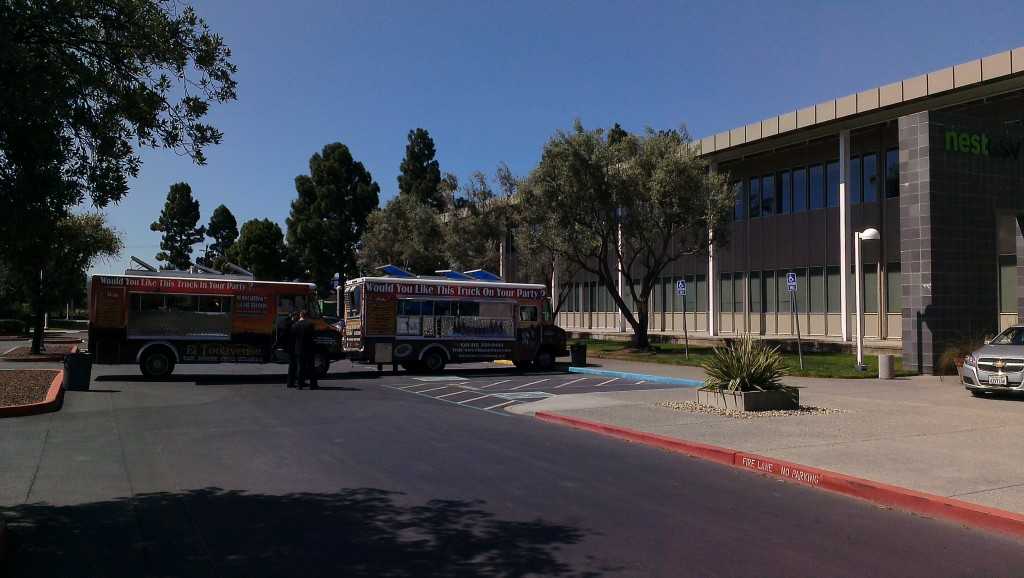
Taco trucks provided hungry hackers with more food

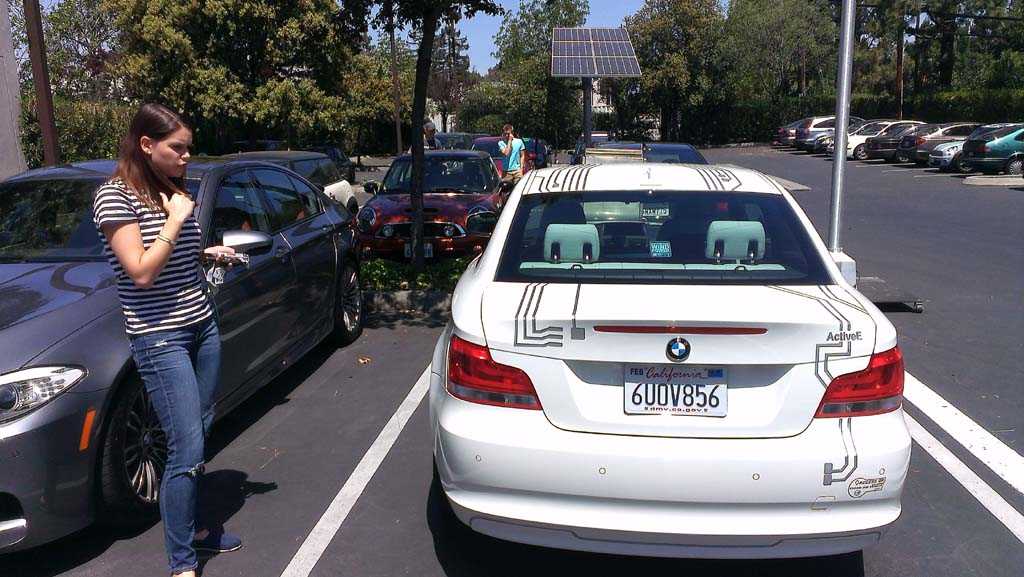
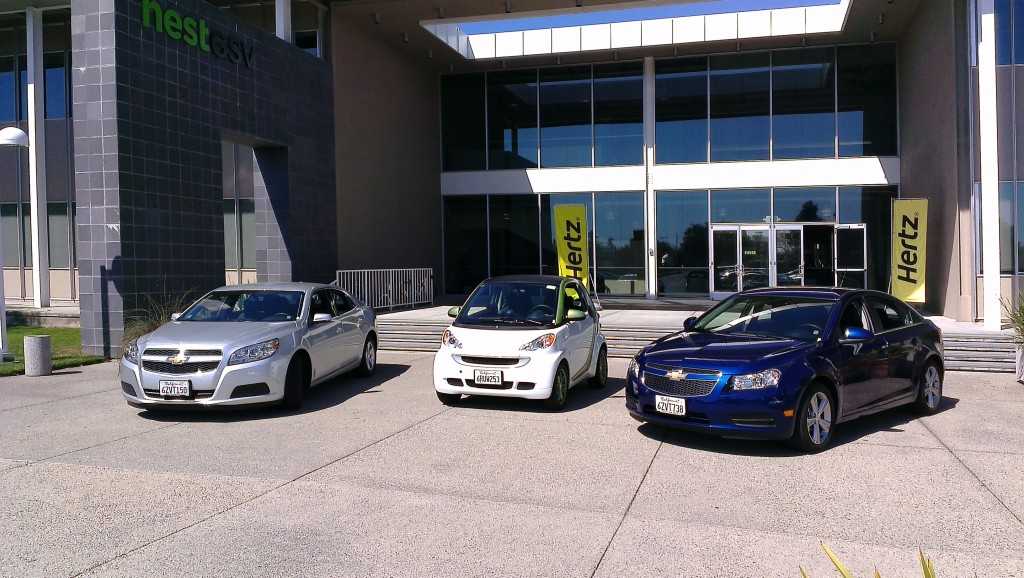
Unfortunately not door prizes, hackers had access to vehicles that provided real data

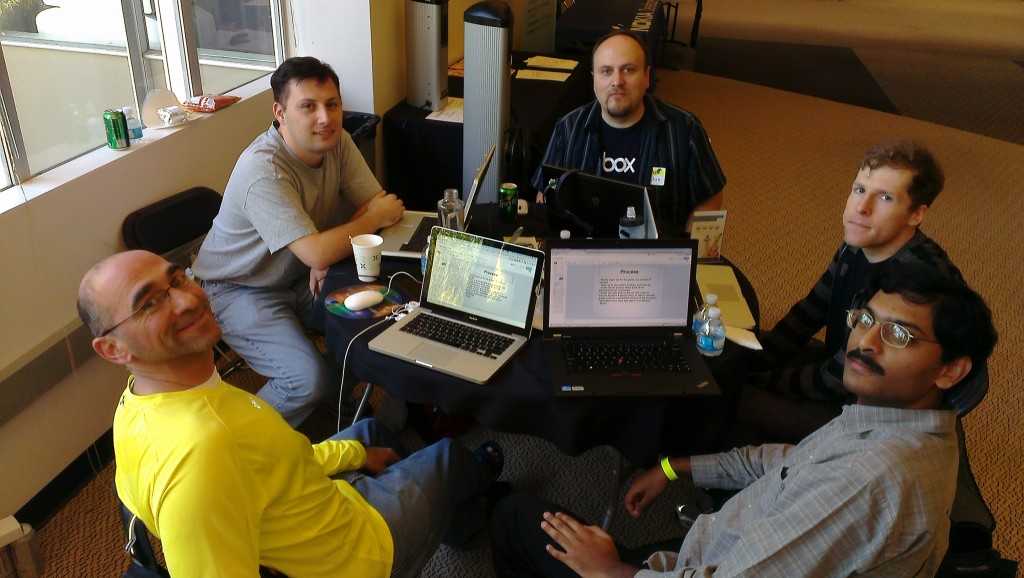
Our team (clockwise): Ash, JeanCarl, Stephan, Matt, Adarsh